Emails can get stuck in your inbox for some reasons. This guide provides you with steps to clear the stuck emails so you may resume use of your mailbox.
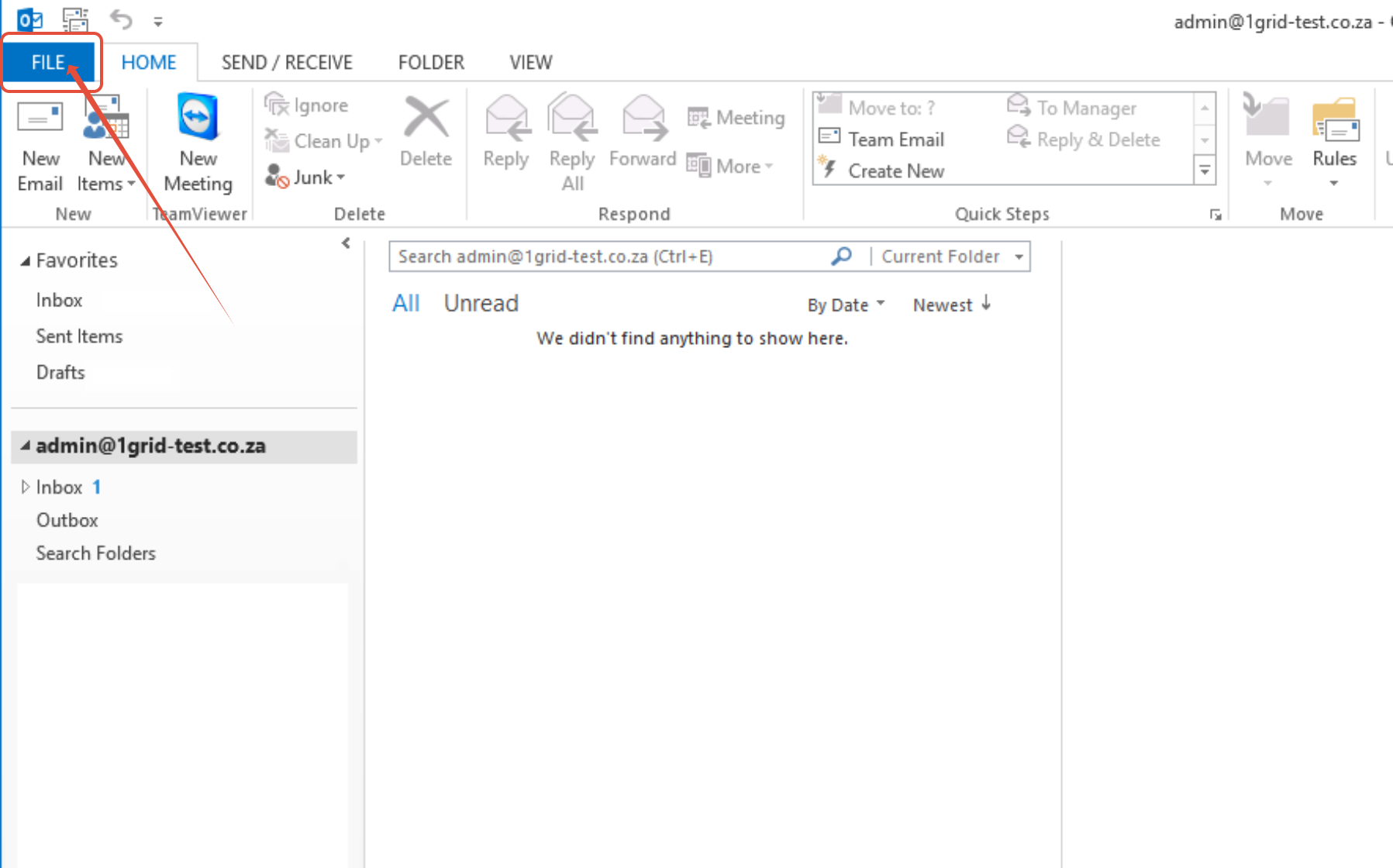
Step 1 – Open Outlook and click File.
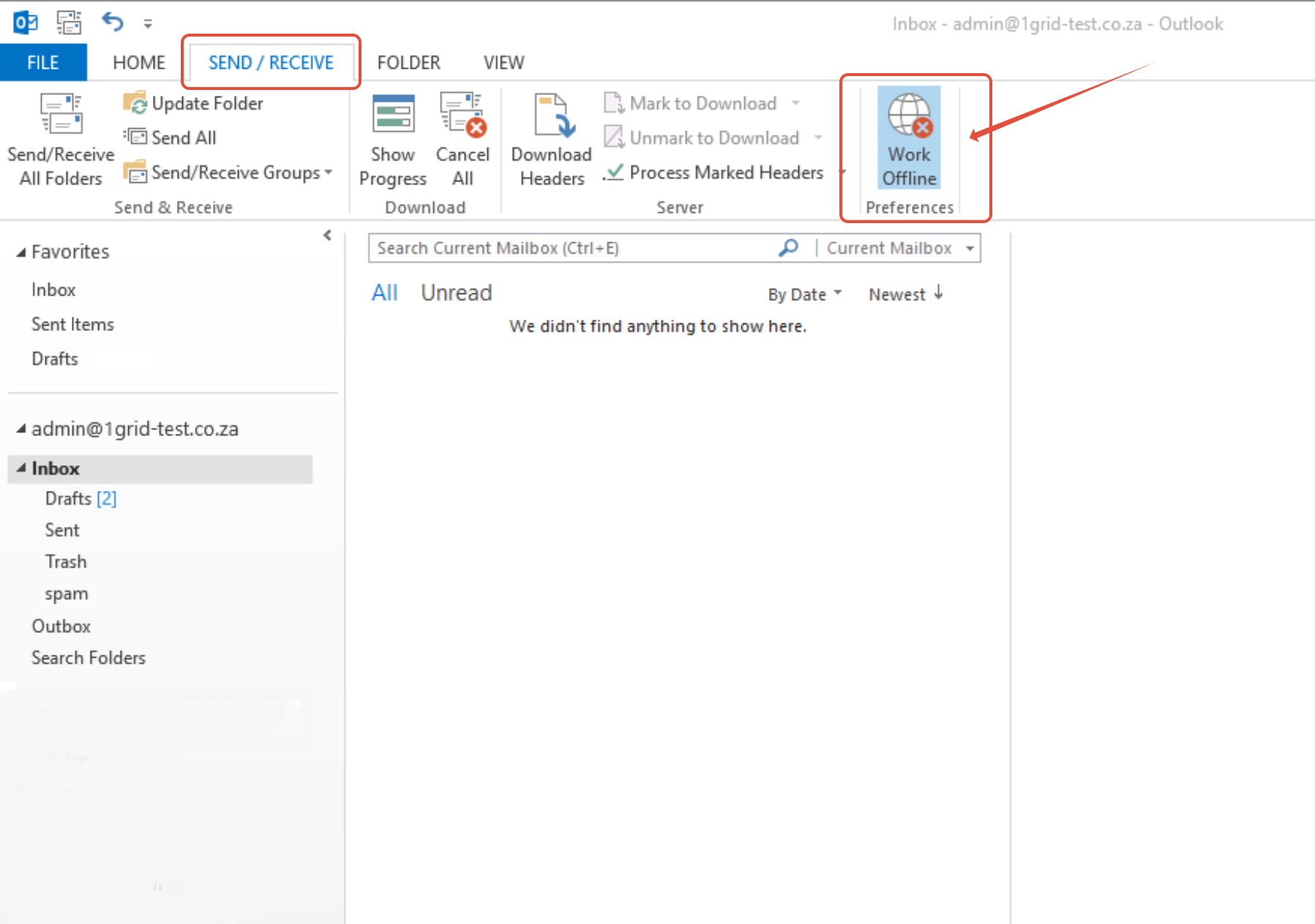
Step 2 – Select the send/receive tab and click on Work Offline.
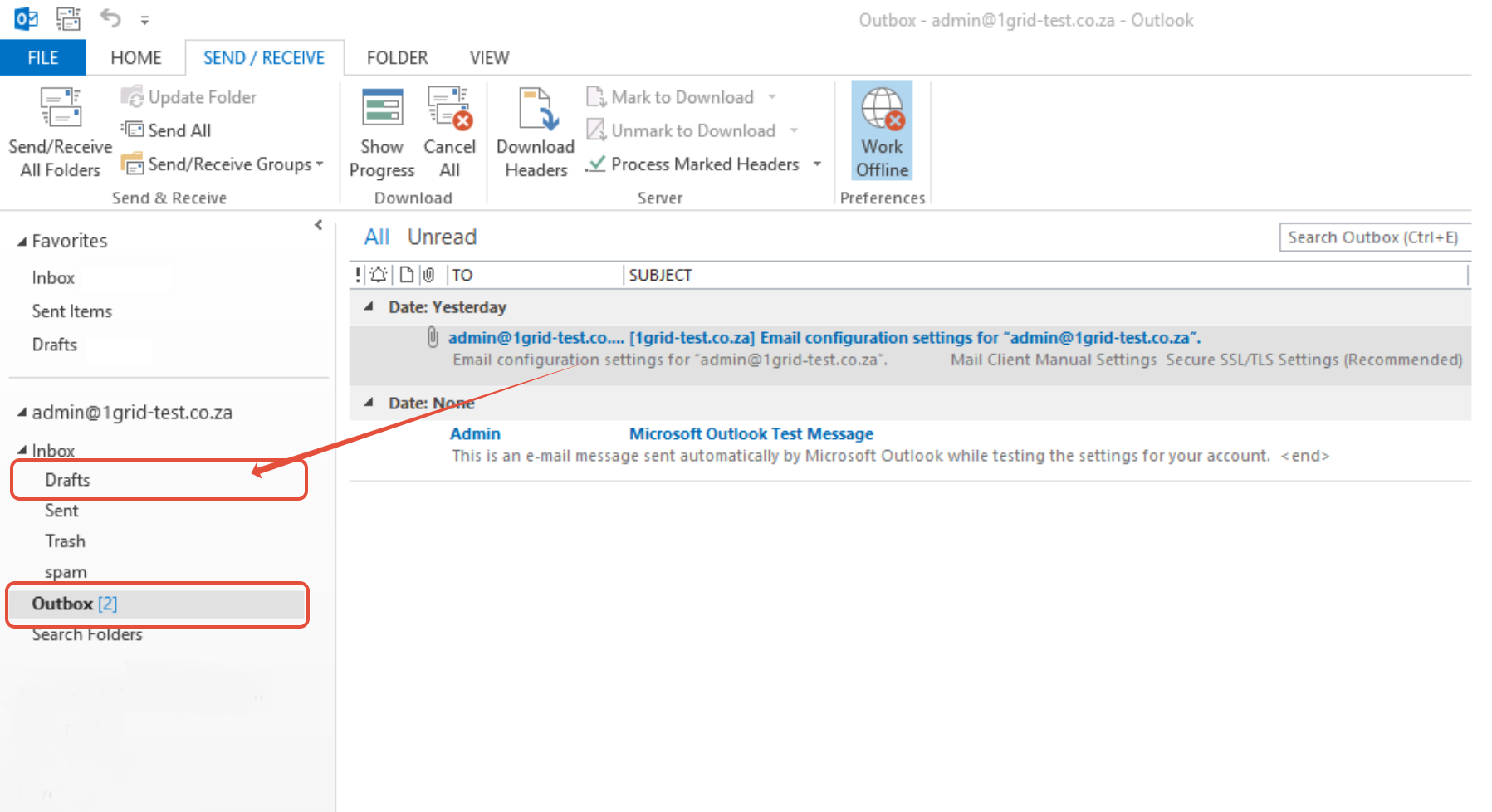
Step 3 – Select Outbox
- Click and drag any emails in your Outbox into Drafts.
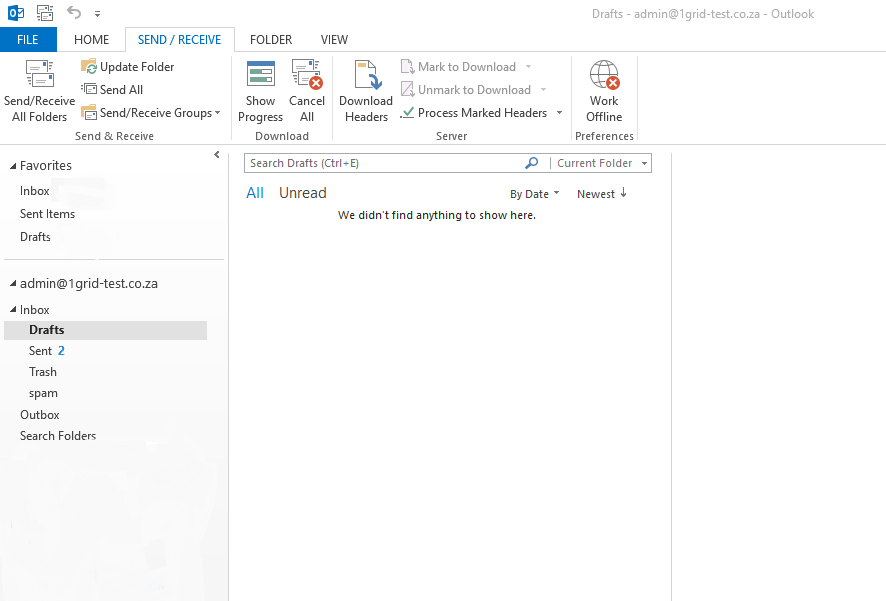
Step 4 – Select Drafts
- Click and drag each email (one by one) back into your Outbox to see which is causing your emails to halt sending.
- You can then delete the culprit email or move it to a different folder.
TIP: Should you experience any issues with this process please contact our Support Center by clicking here